

Vendor invitations
Where: Vendors › Invitations
This page tracks everyone you have invited who has not yet joined, so nobody is left waiting because an email was missed.
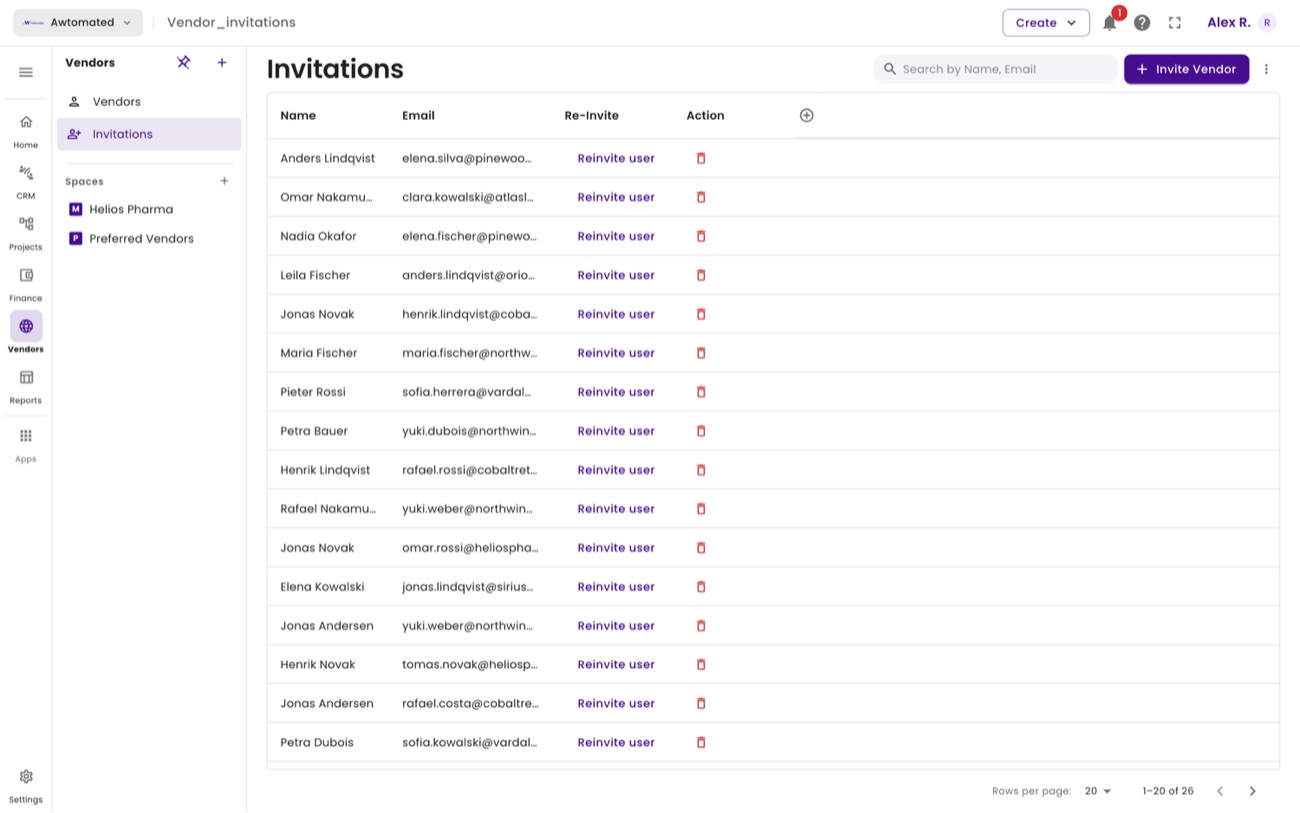
Pending vendor invitations. Select Reinvite user to send the invitation again.
- Select Invite Vendor at the top of the page.
- Enter first name, last name and email address. First name and email are required.
- Select Submit. Awtomated emails the invitation and the vendor appears in this list until they accept.
- Chase if needed. If they have not joined after a few days, use Reinvite user rather than creating a second record for the same person.