

Drive
Where: Apps › Drive
Drive is the workspace’s file store - source documents, style guides, reference material and deliverables, kept alongside the work rather than in email.
Drive. Attachments collects files added to records elsewhere in the app; Trash holds deleted items.
| Control | What it does |
|---|---|
| Add New Folder | Creates an empty folder in the current location. |
| Upload Folder | Uploads a folder from your computer with its structure intact. |
| Upload File | Uploads one or more individual files. |
| Shared Drive | Files shared across the workspace rather than owned by one person. |
Related: Links, Notes & Drive on a record · Files & word count analysis
Attachments and Trash
Section titled “Attachments and Trash”Drive has two sections beyond the main file list. Attachments gathers files added to records elsewhere in the app, so a document attached to a project is findable without opening that project. Trash holds deleted items.
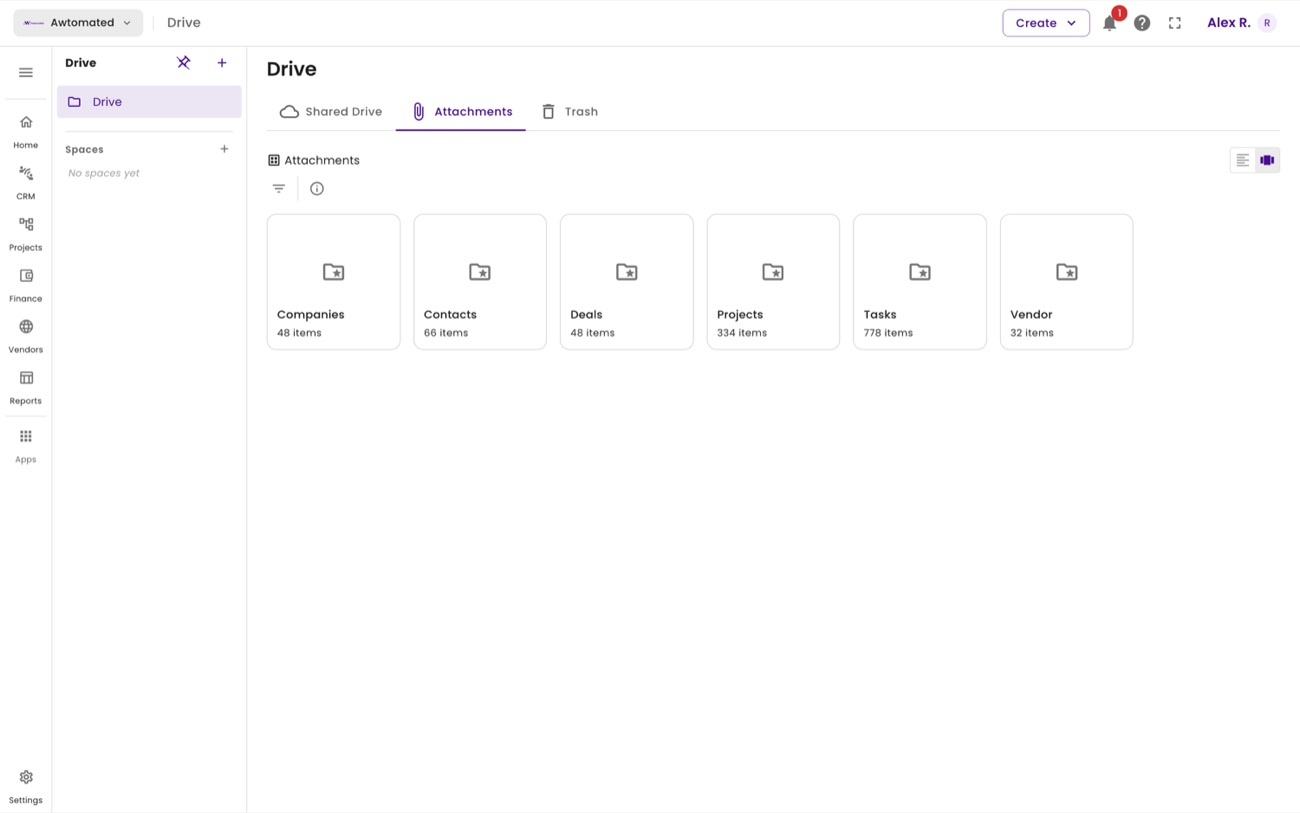
Attachments. Everything attached to a record, in one place.