

Localisation
Where: Settings › Localisation
How dates, times and currency appear across the workspace for everyone. Because Awtomated schedules work across time zones, these settings change what deadlines actually mean.
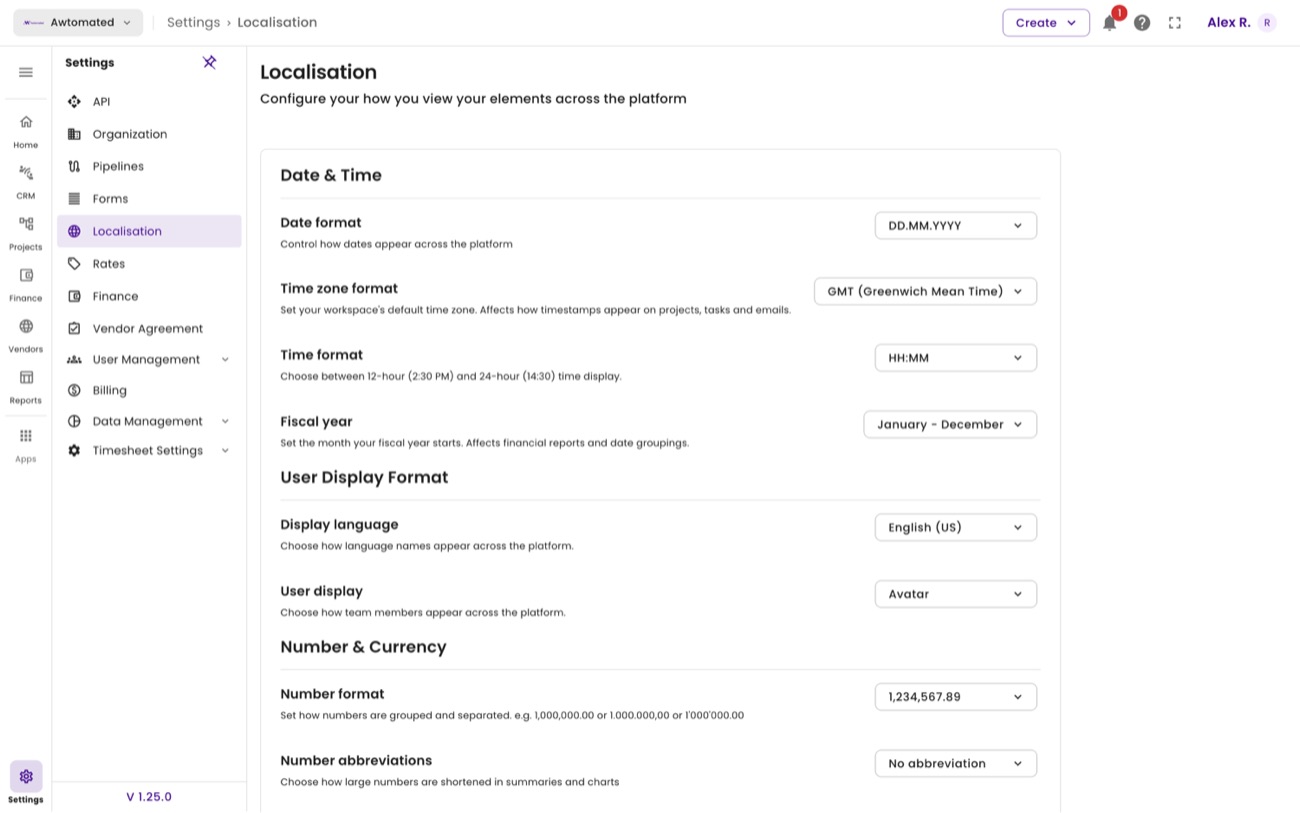
Localisation. Each setting explains what it affects directly underneath it.
| Setting | What it changes |
|---|---|
| Date Format | How dates display throughout the app, for example DD.MM.YYYY. |
| Time Zone | The workspace default. Affects how timestamps appear on projects, tasks and emails. |
| Time Format | 12-hour (2:30 PM) or 24-hour (14:30) display. |
| Fiscal Year | The month your financial year starts. Affects financial reports and date groupings. |
| Language | The interface language, for example English (US). |