

Billing
Where: Settings › Billing
Your Awtomated subscription: the plan, how many licences you hold, your payment method and past invoices.
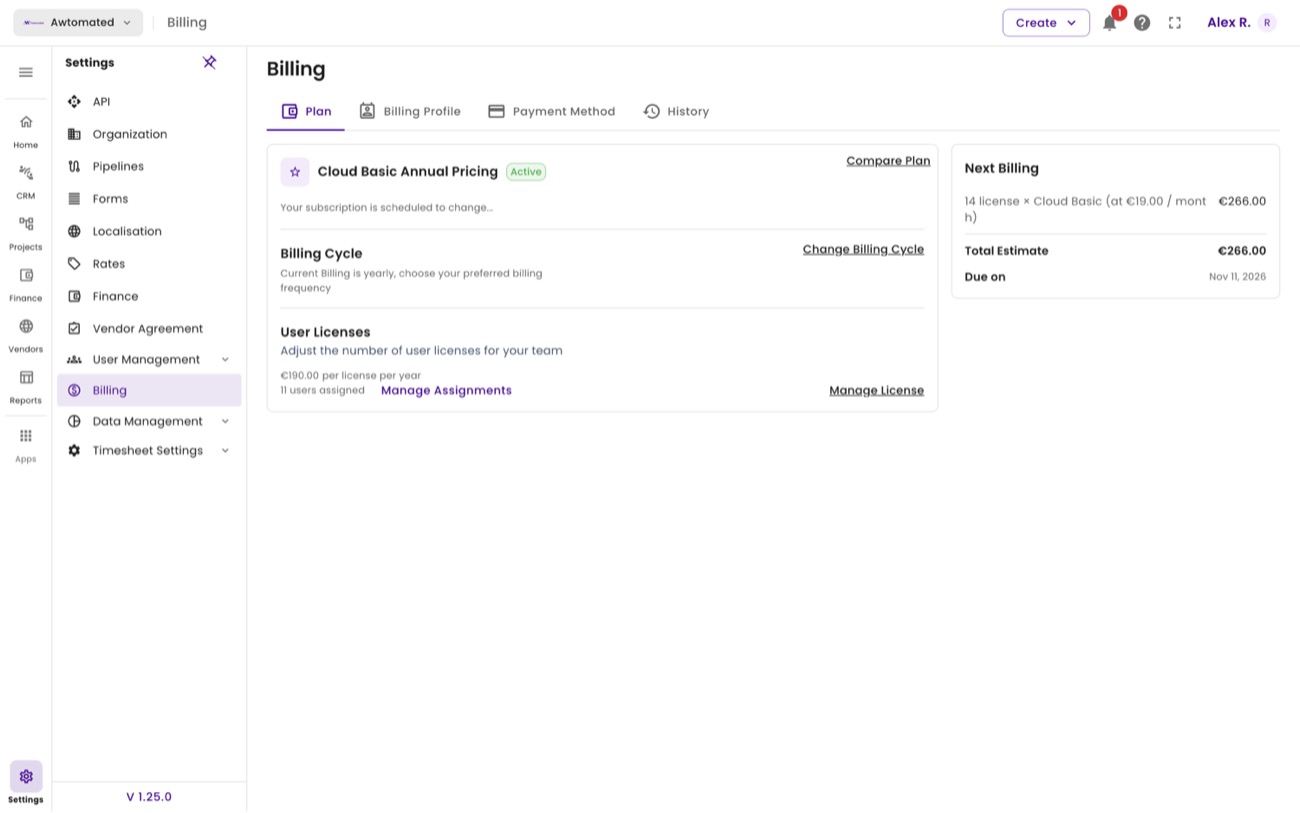
Billing. Licences are charged per seat per month, with the next charge and total shown together.
| Tab | What it holds |
|---|---|
| Plan | Your current plan and licence count. Compare Plan shows the alternatives; Manage License adds or removes seats. |
| Billing Profile | The company details and address on your Awtomated invoices. |
| Payment Method | The card or account charged each cycle. |
| History | Past charges and invoices. |
Billing profile, payment method and history
Section titled “Billing profile, payment method and history”Where: Settings › Billing
Three further tabs sit beside Plan.
Billing Profile. The company name and business address that appear on the invoices Awtomated sends you - distinct from the organisation details on invoices you send clients.
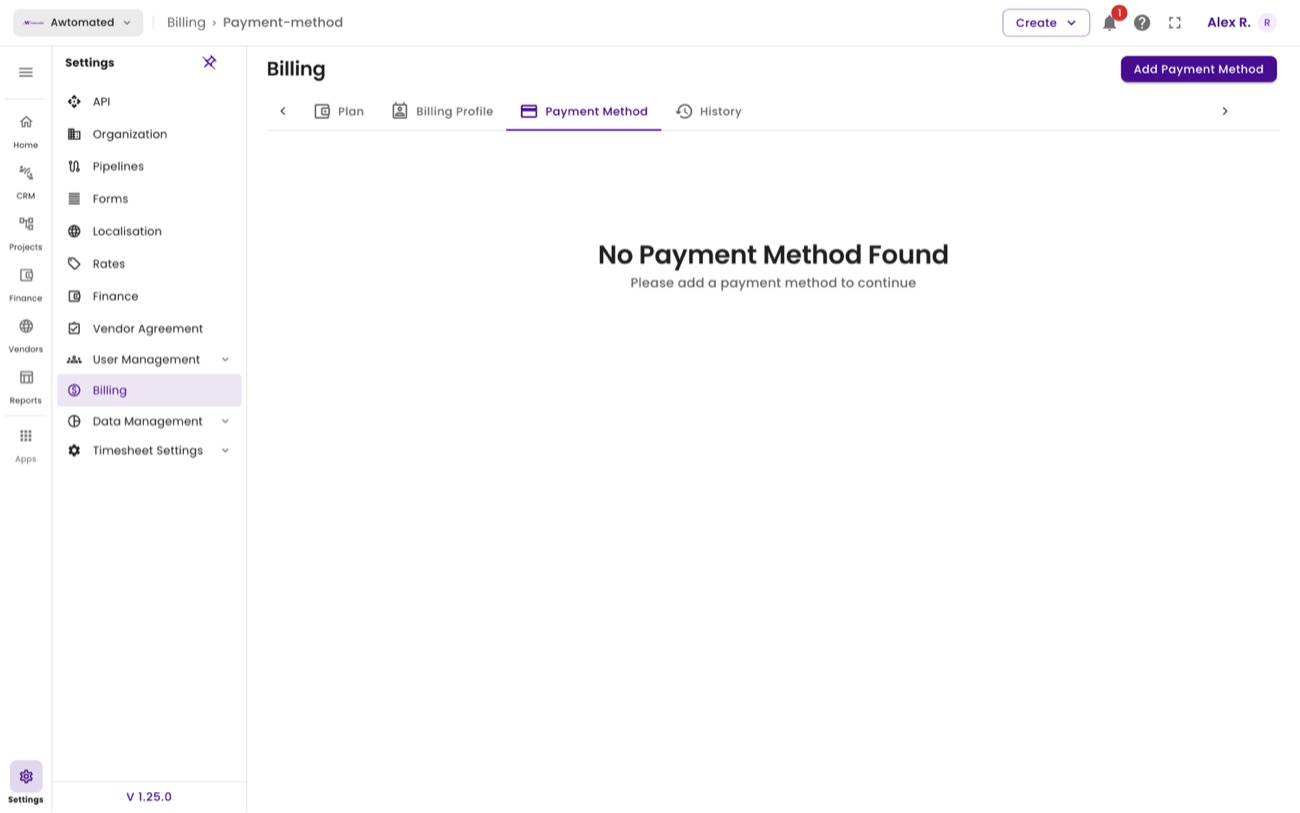
Payment Method. Empty here - No Payment Method Found, with Add Payment Method to set one.
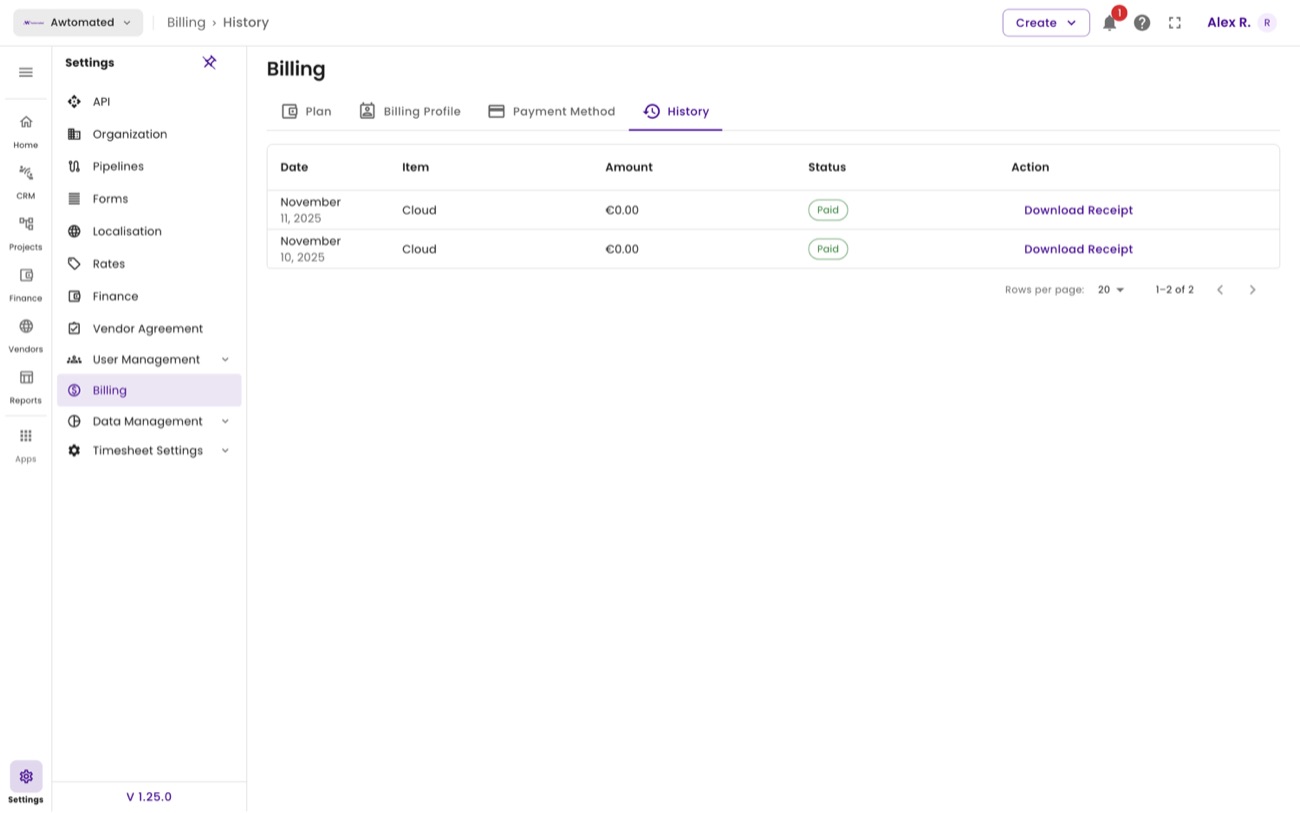
History. Every past charge with Download Receipt against each one - what your finance team needs at year end.