

API access
Where: Settings › API
Generate a key to connect Awtomated to your other systems.
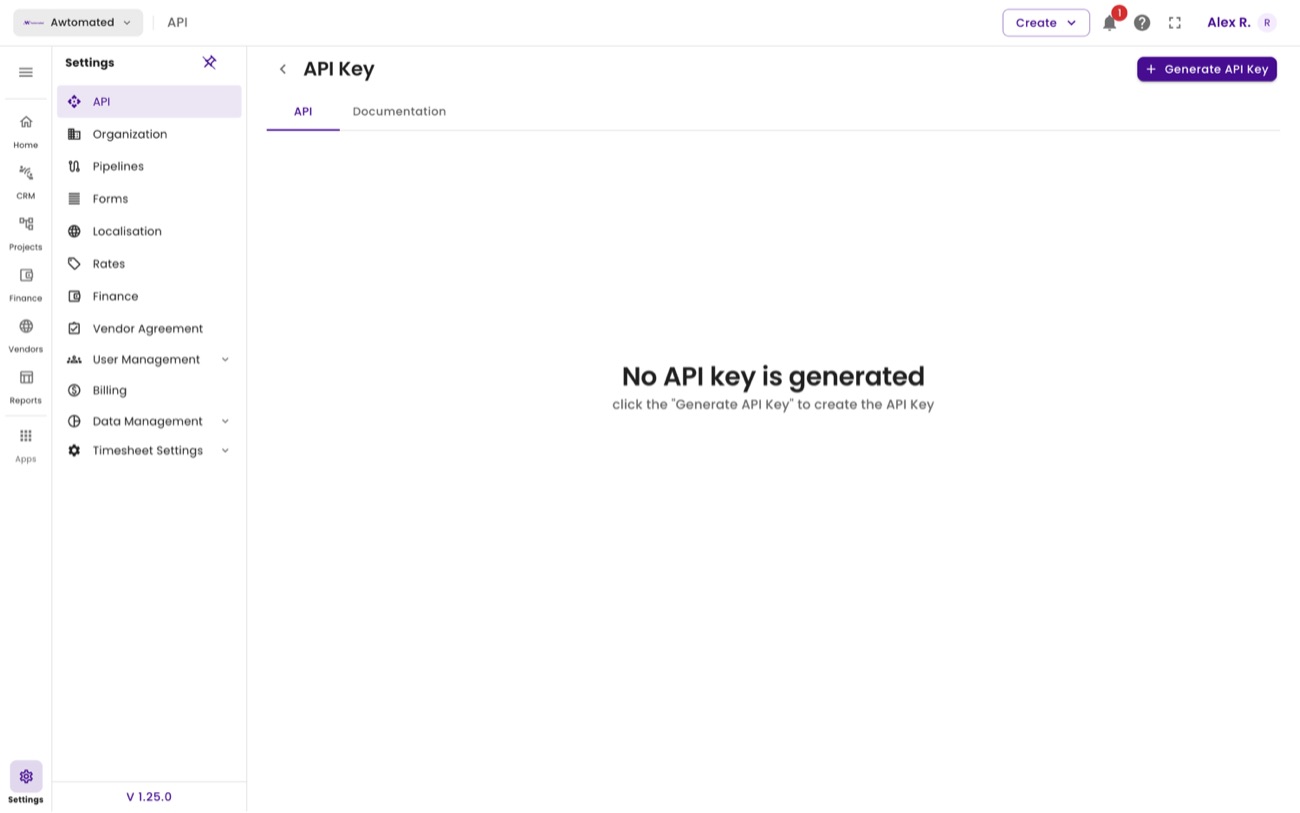
API access. New workspaces show “No API key is generated” until you create one.
- Go to Settings › API.
- Select Generate API Key.
- Copy the key immediately and store it in your password manager.
- Follow Documentation for the available endpoints.