

Welcome to your project portal
Your language provider has given you a login. This portal shows your own work - the projects you have commissioned, the quotes you have been sent, and the invoices you owe. Nothing else in their system is visible to you, and nothing of yours is visible to their other clients.
- Projects: Everything you have commissioned, with status, languages and price. You can raise new requests here too.
- Estimates: Quotes you have been sent, with totals and how long each one stands.
- Invoices: What you owe, what it covers, and when it is due.
Signing in
Section titled “Signing in”- Go to
app.awtomated.comand enter the email address your provider invited, plus your password. - Select Sign in. You land on your Projects list.
- Forgotten your password? Use Forgot Password ? beneath the password field - your provider cannot see or set it for you.
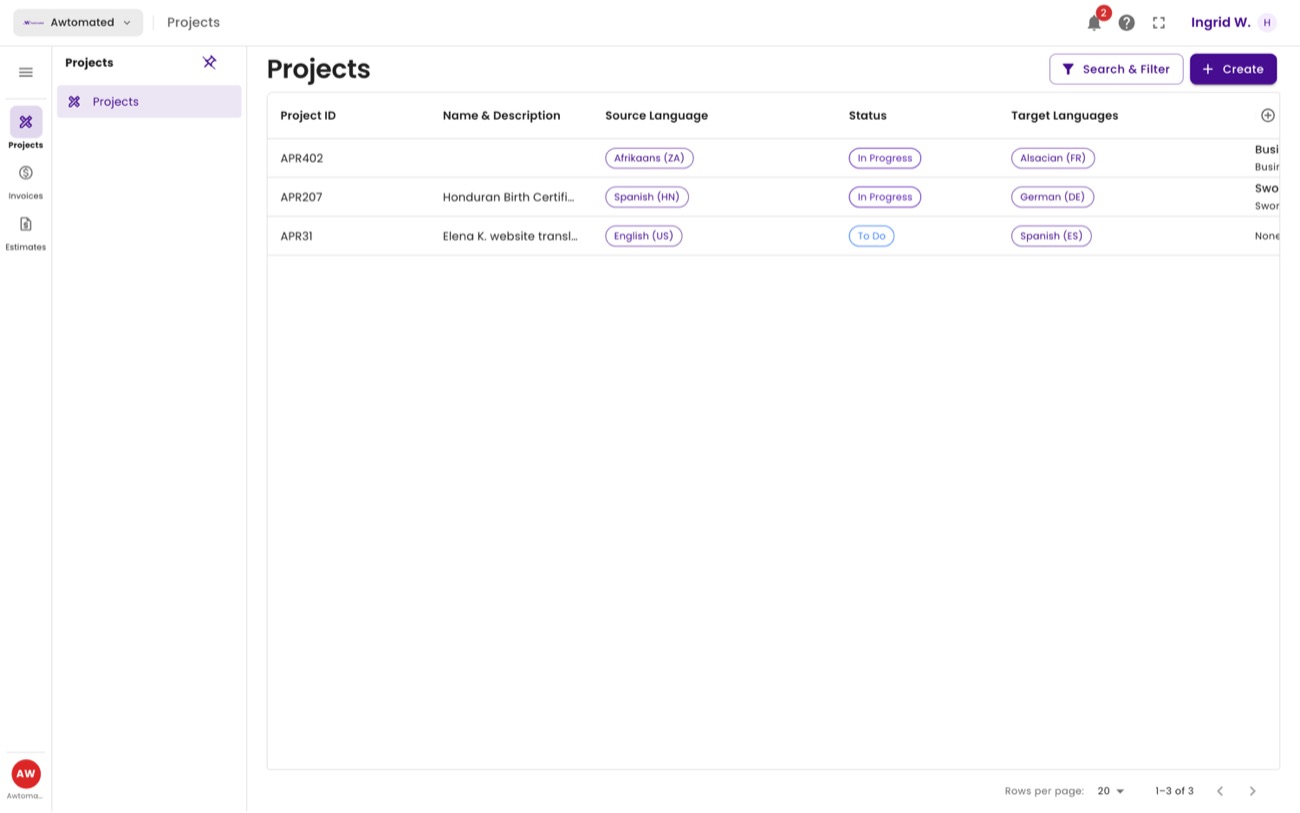
Your portal. Three items in the sidebar - Projects, Invoices, Estimates - and that is the whole of it.