

Pipelines
Where: Settings › Pipelines
Pipelines are the status sequences your projects and tasks move through. Separate pipelines exist for projects and for tasks.
Pipelines. The default project pipeline has five stages. Build others with Create Pipeline.
The Used in count tells you how many services depend on a pipeline - check it before editing one, since changing stages affects every project already following it.
Task pipelines
Section titled “Task pipelines”The Pipelines page has two tabs. Projects controls the statuses a project moves through; Tasks does the same for tasks, with its own Default Task Pipeline. They are configured identically but kept separate, because a task’s stages follow the service’s workflow while a project’s track overall delivery.
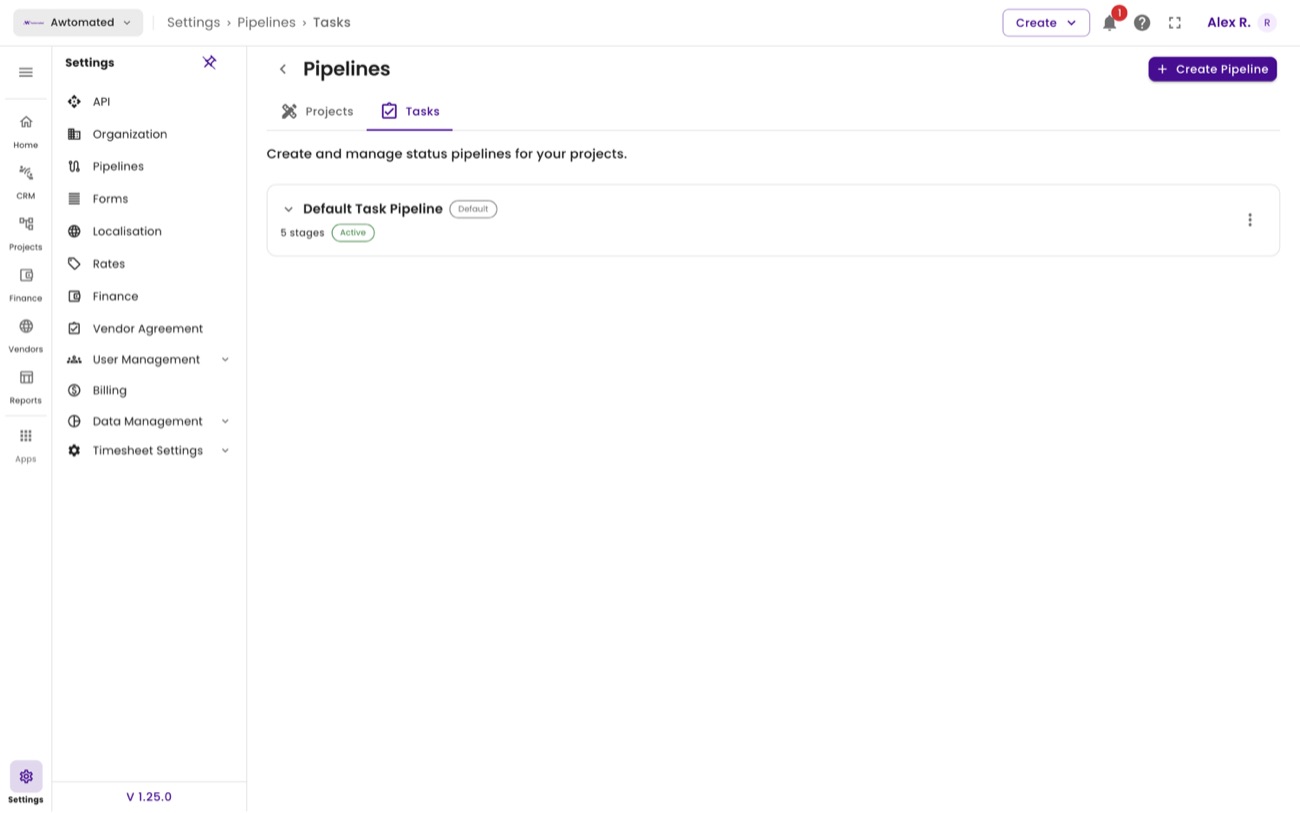
Task pipelines. Check the Used in count before editing one - changing stages affects every task already following it.