

Machine translation
Where: Settings › Data Management › Machine Translations
Connect a machine translation engine for MTPE work. Awtomated supports Microsoft AI Translator and DeepL Translator.
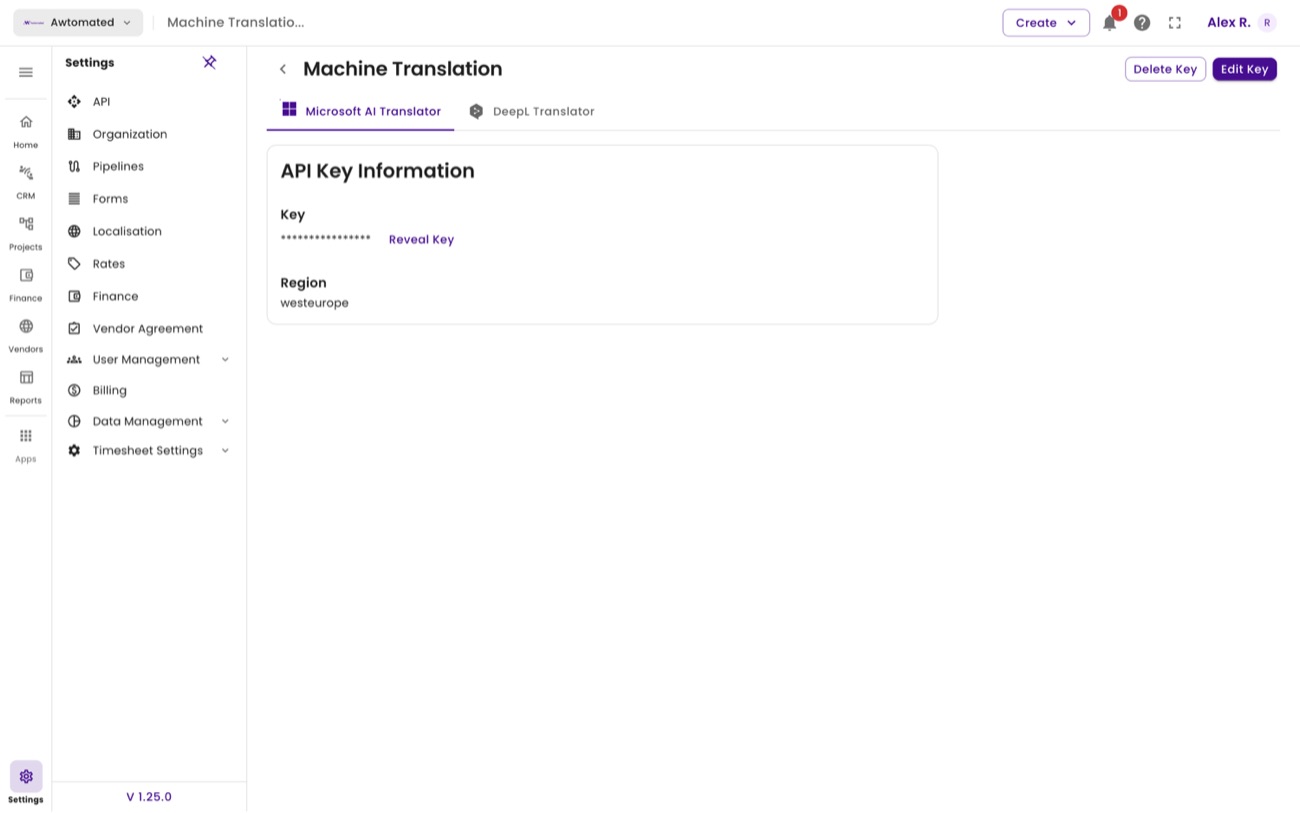
Machine translation. Each engine is configured with its own API key.
- Choose the engine tab - Microsoft AI Translator or DeepL Translator.
- Add the API key issued by that provider.
- Use Edit Key to rotate it when the provider issues a new one, or Delete Key to disconnect the engine entirely.
DeepL configuration
Section titled “DeepL configuration”Machine Translations holds a tab per engine. Each stores its own API key, shown masked with a Reveal Key control, plus Edit Key and Delete Key.
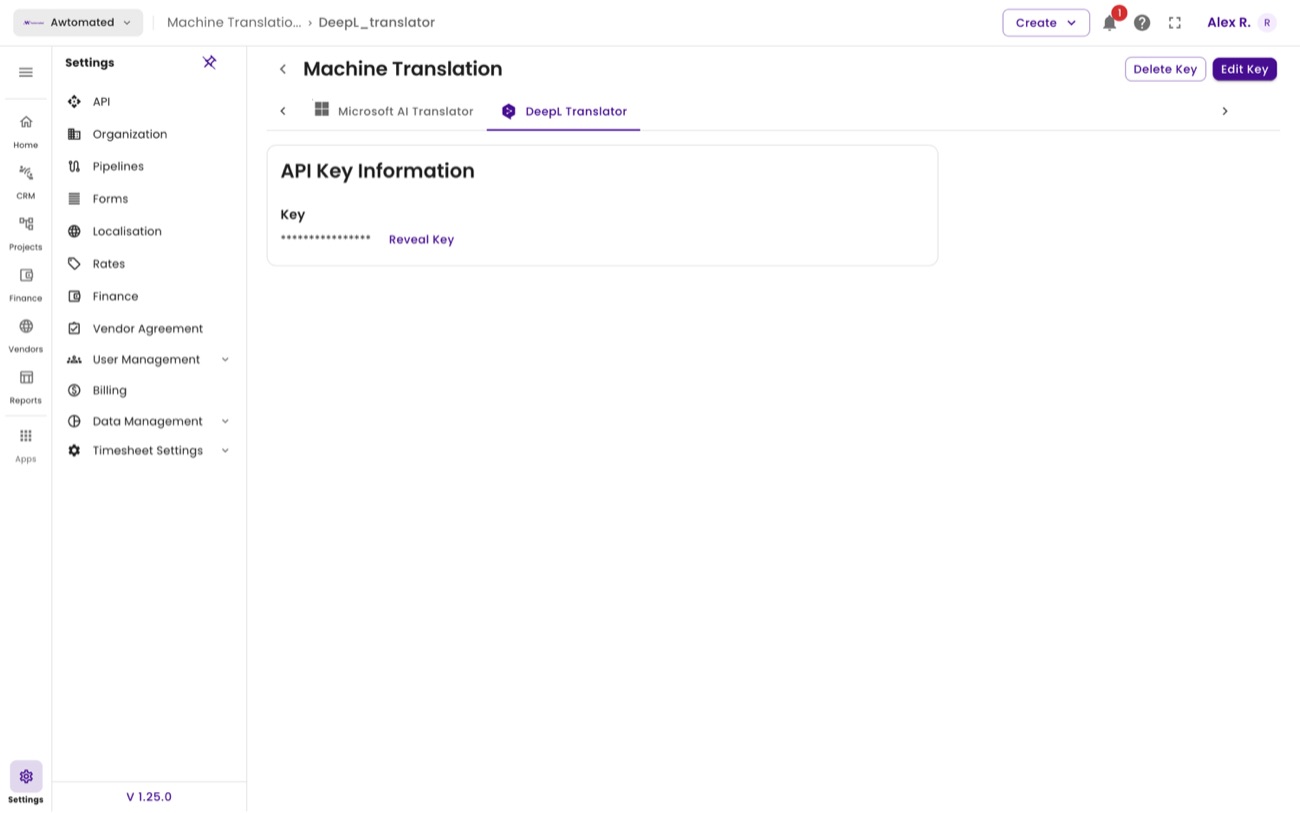
DeepL. Configure both engines and linguists can choose between them in the editor.