

Signing in
Where: app.awtomated.com
- Go to
app.awtomated.com. You land on the sign-in screen. If you were already signed in, Awtomated takes you straight to your dashboard instead. - Enter your email address and password. Both fields are required. The Sign in button stays greyed out until both are filled.
- Select Sign in. A short “Your subscription is being verified” screen appears while Awtomated checks your organisation’s plan, then your dashboard opens.
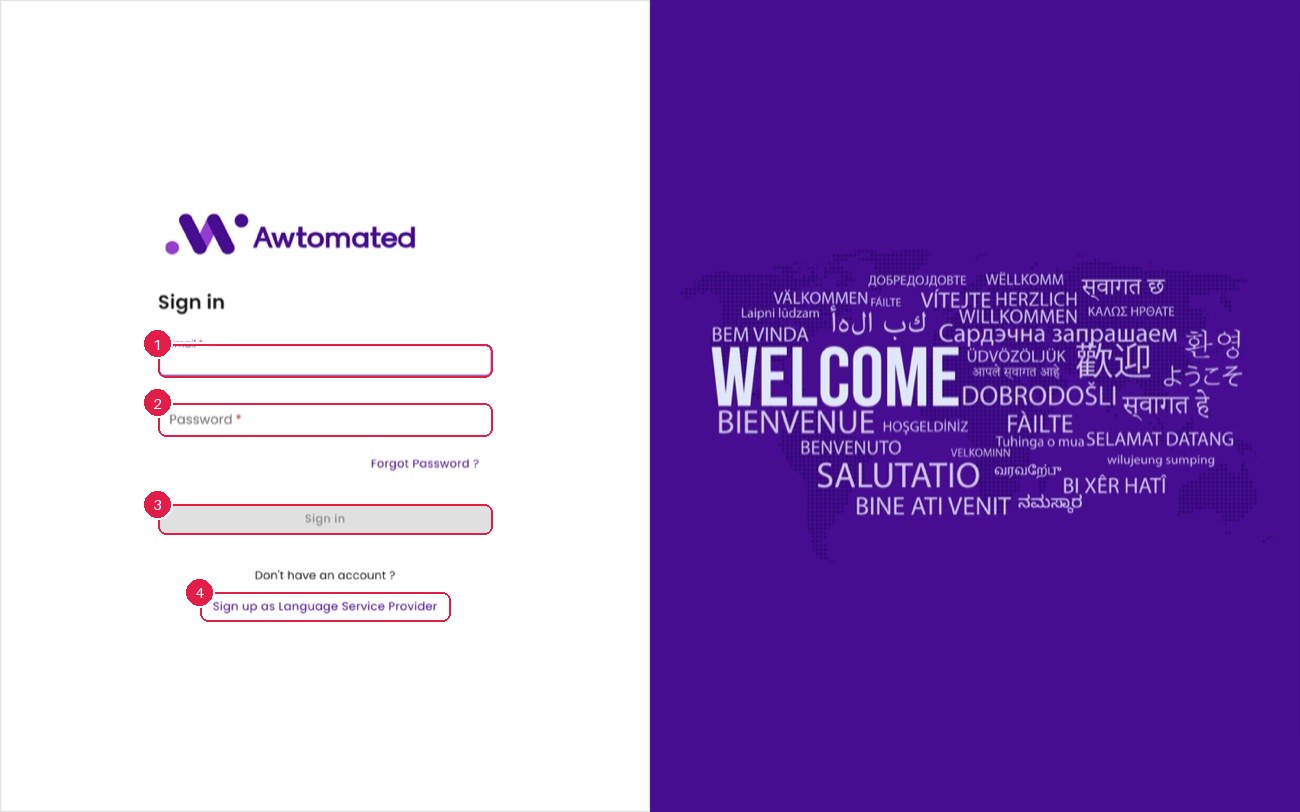
Signing in. Only email and password are accepted - there is no single sign-on option. New language service providers can register themselves through Sign up as Language Service Provider.
- Email address
- Password
- Sign in
- Register as LSP