

Taxes
Where: Settings › Data Management › Taxes
The tax rates available when invoicing, with one marked as your default.
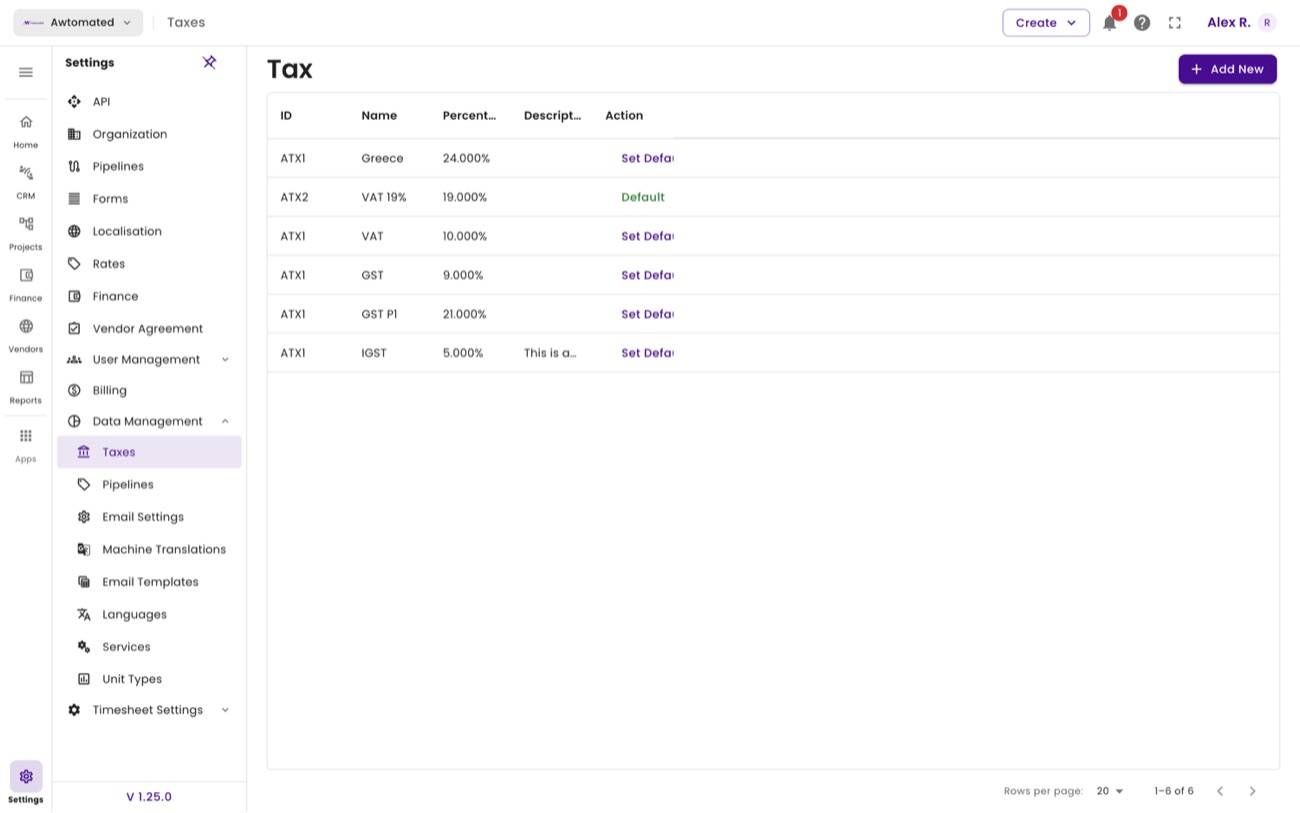
Taxes. The row marked Default is applied to new invoices automatically.
- Select Add New on the Tax page.
- Enter the tax name, for example VAT 19% or GST. Required.
- Enter the percentage. Required, and recorded to three decimal places.
- Select Submit, then use Set Default on the row if this should be the standard rate.